Weird Town
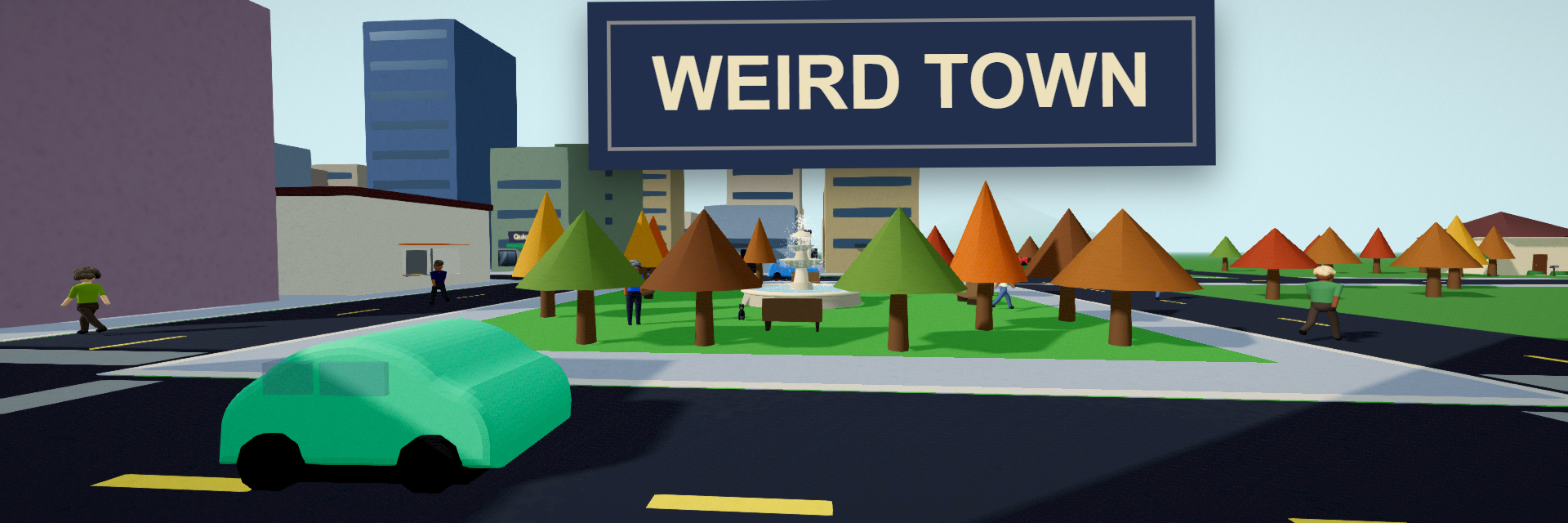
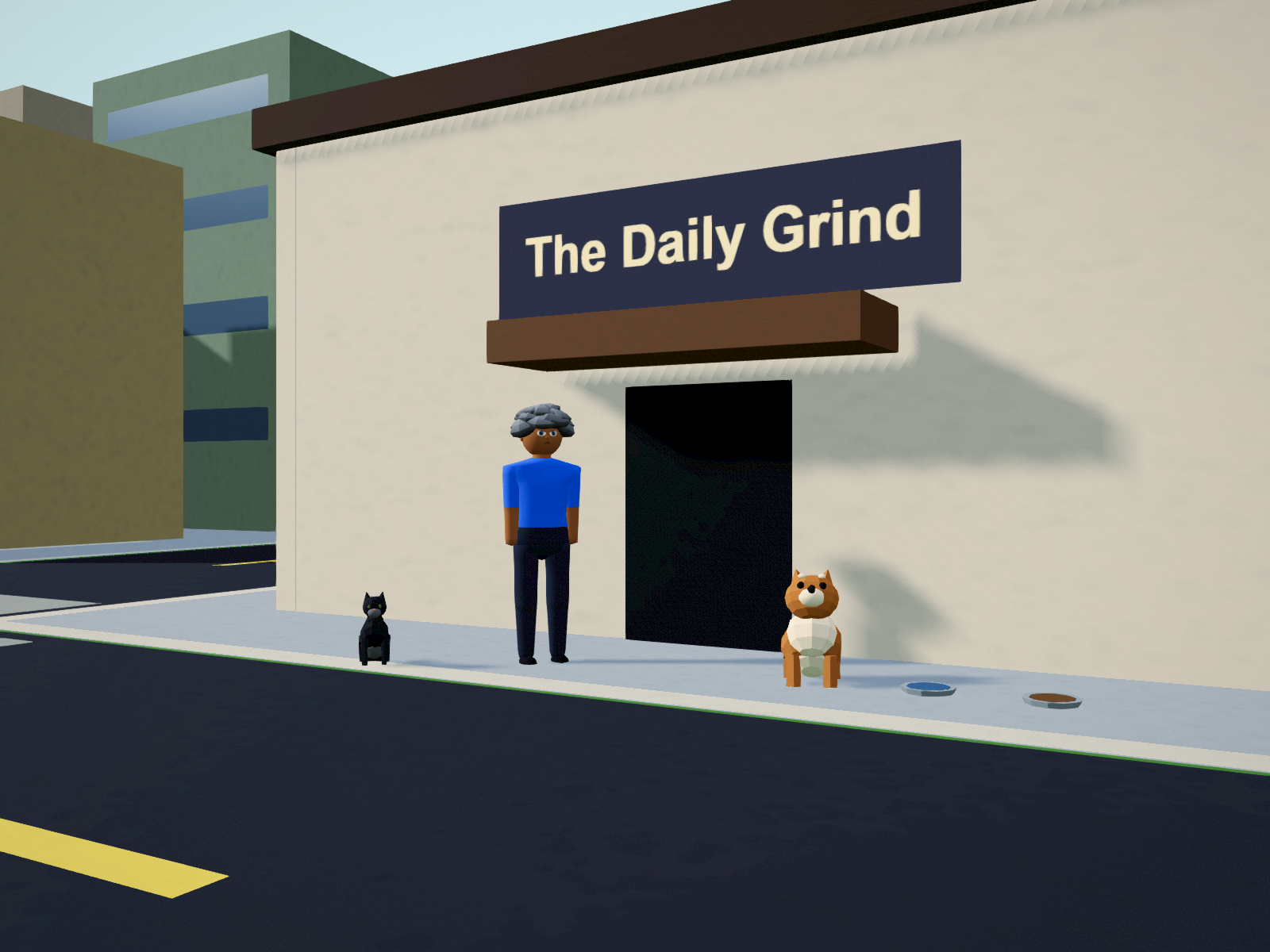
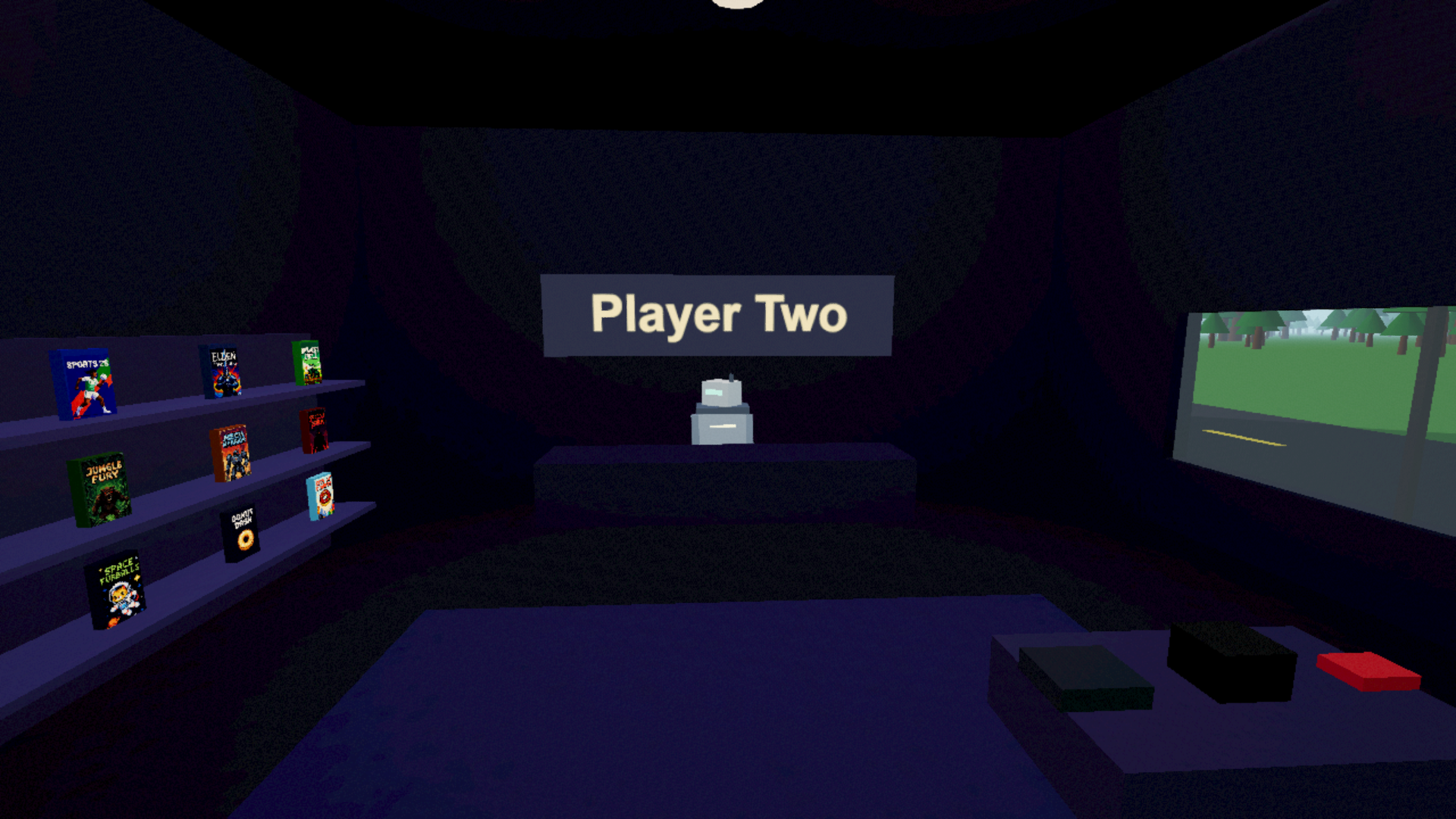
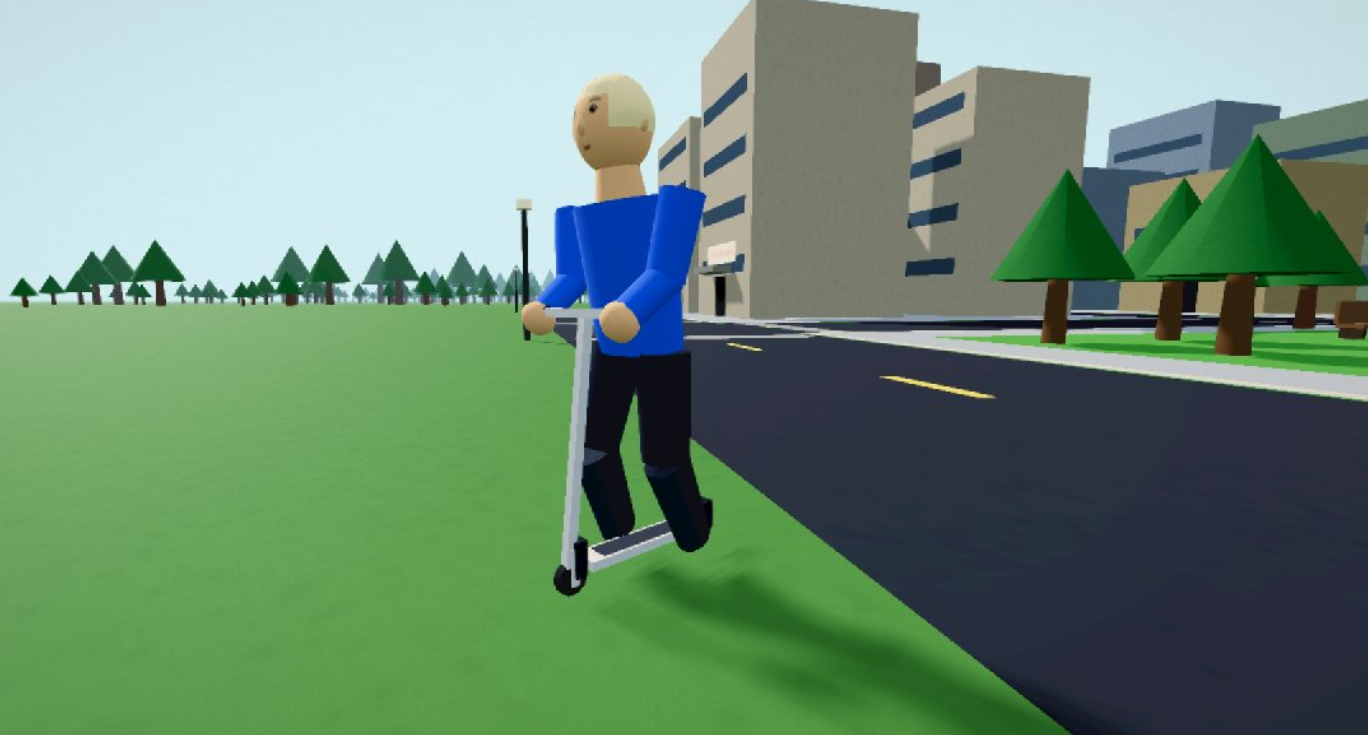
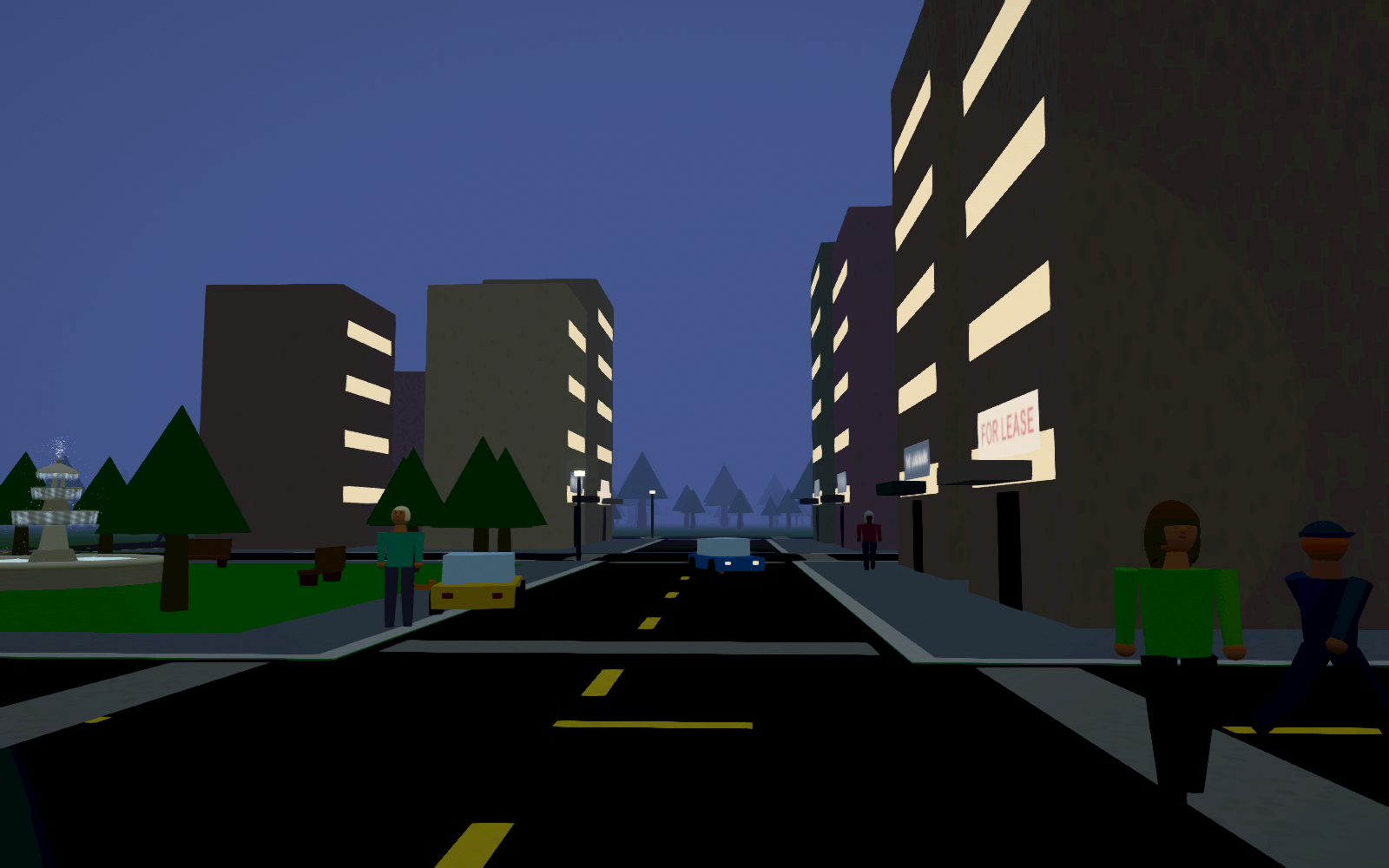
Weird Town is a small open-world sandbox about a town that functions whether or not you cooperate. Everyone in it has somewhere to be. You don't.
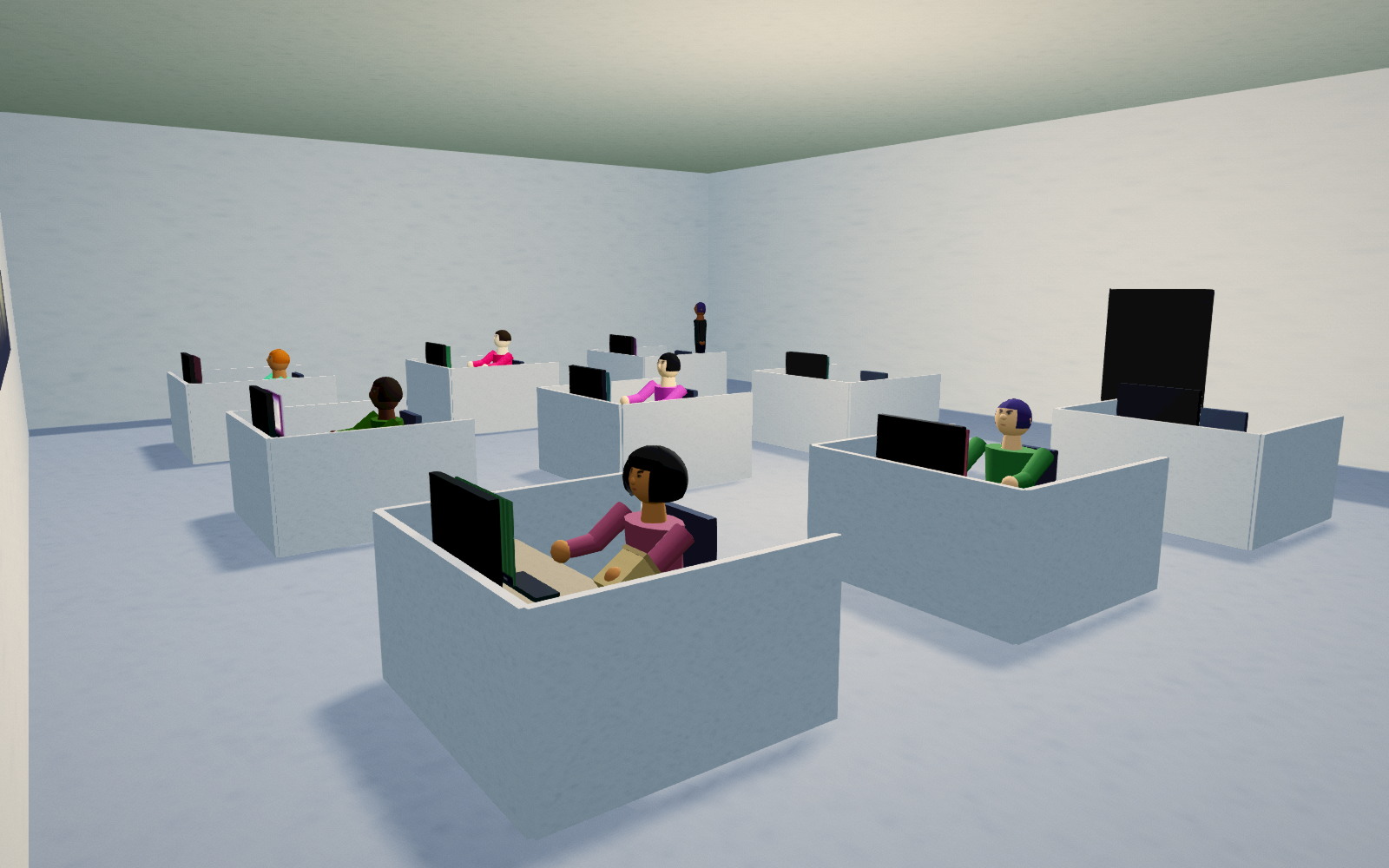
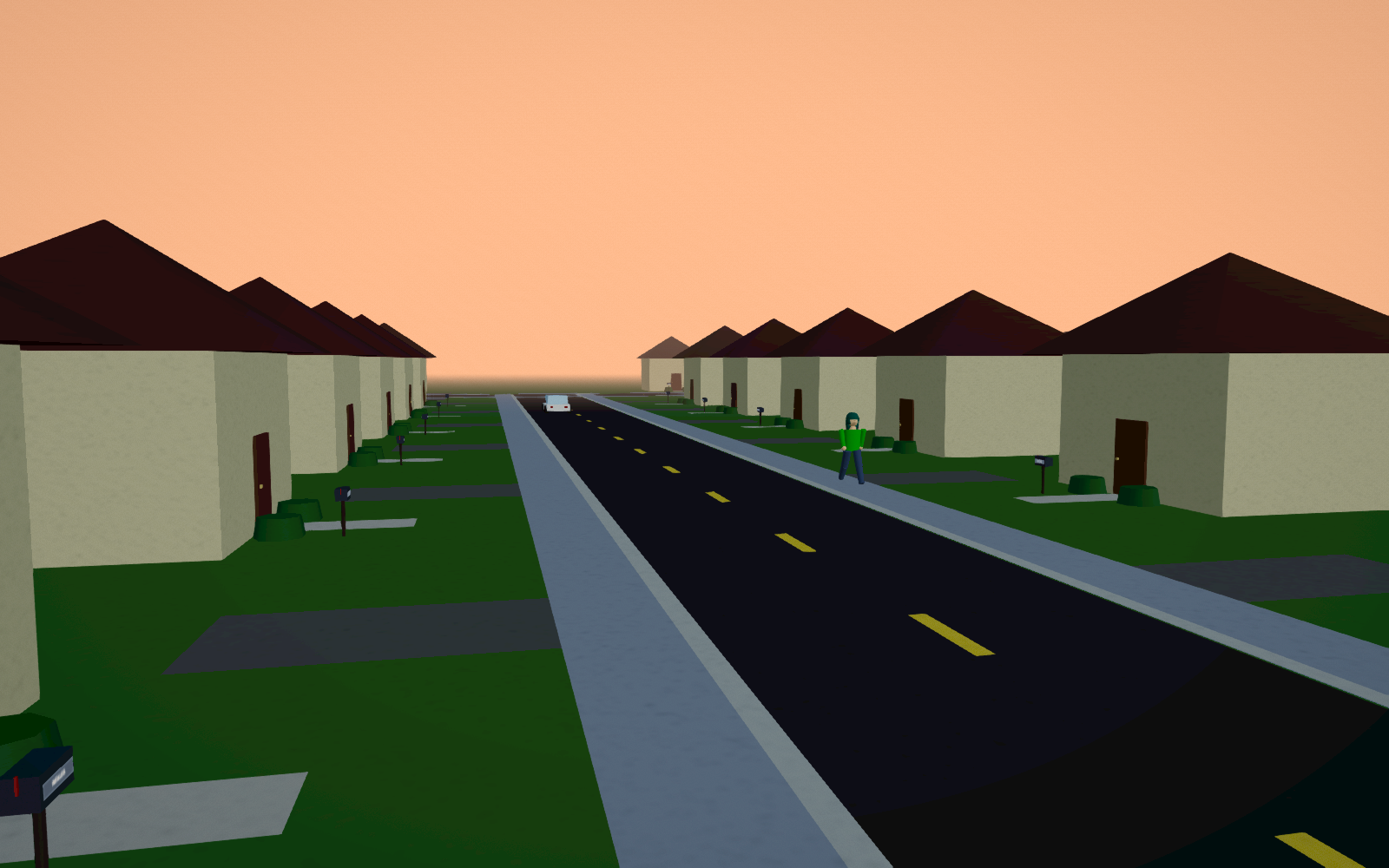
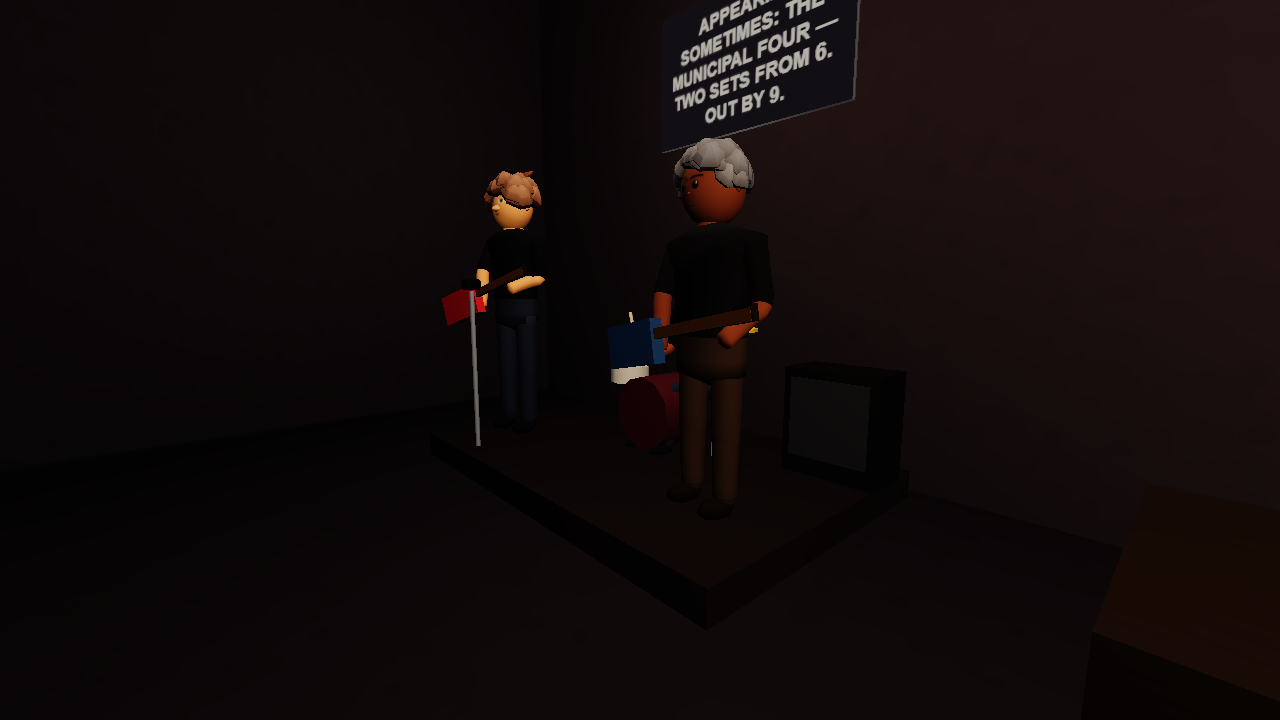
Residents live here. All of them have names, homes, jobs, and at least one strong opinion. They commute, gossip about each other (accurately — check the mailboxes), get coffee together, call the cat by the wrong name, and go home sick when they are not sick. If you knock one out, they get back up and remember. If you take one's car, they walk to work and hold a grudge until you return it.
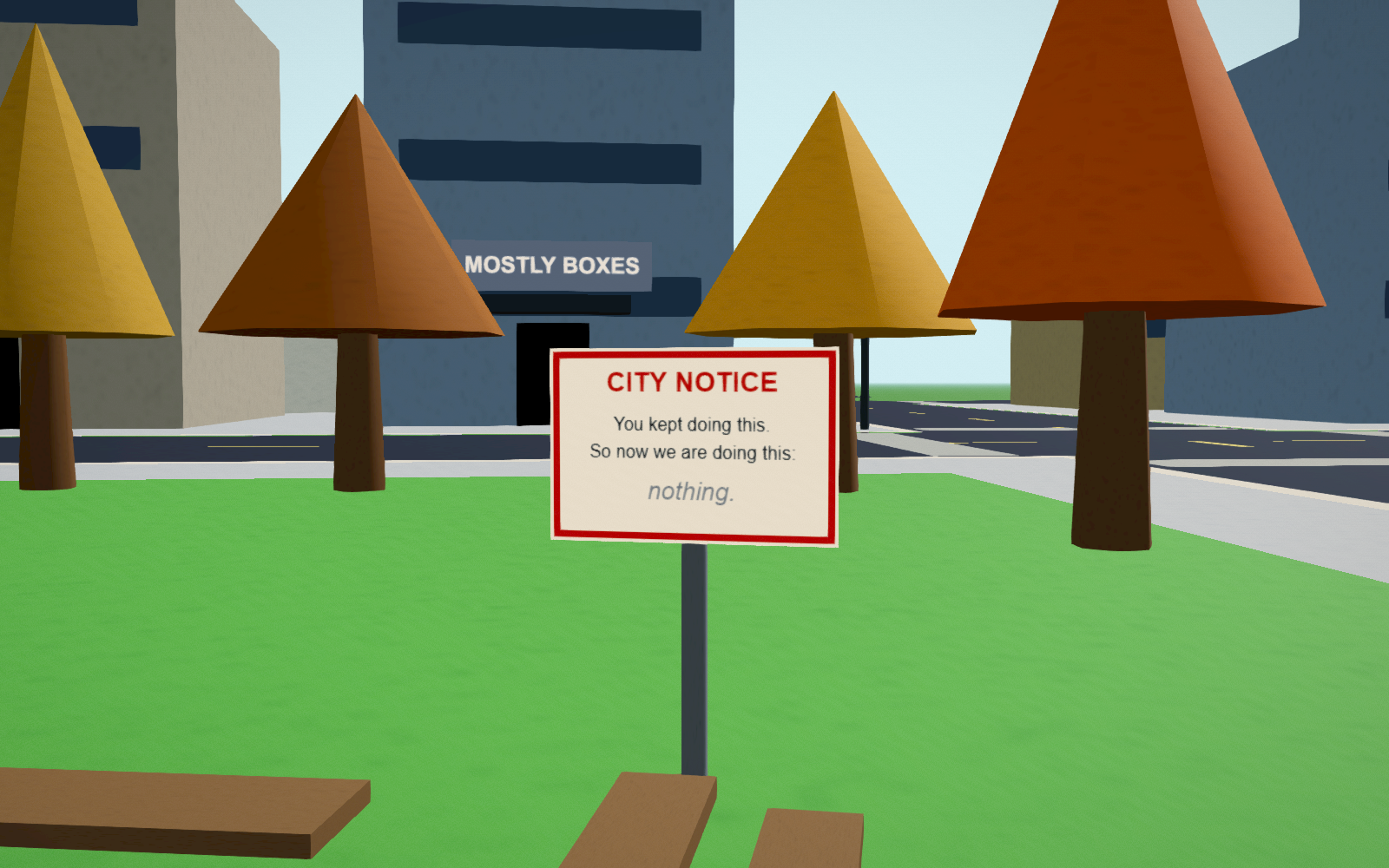
The town persists. Streetlights you knock down stay down until a municipal crew fixes them — twice, after which the city stops and posts a notice about it. Your first coffee, your first death, your first everything: noted, once, by a narrator who is not impressed.
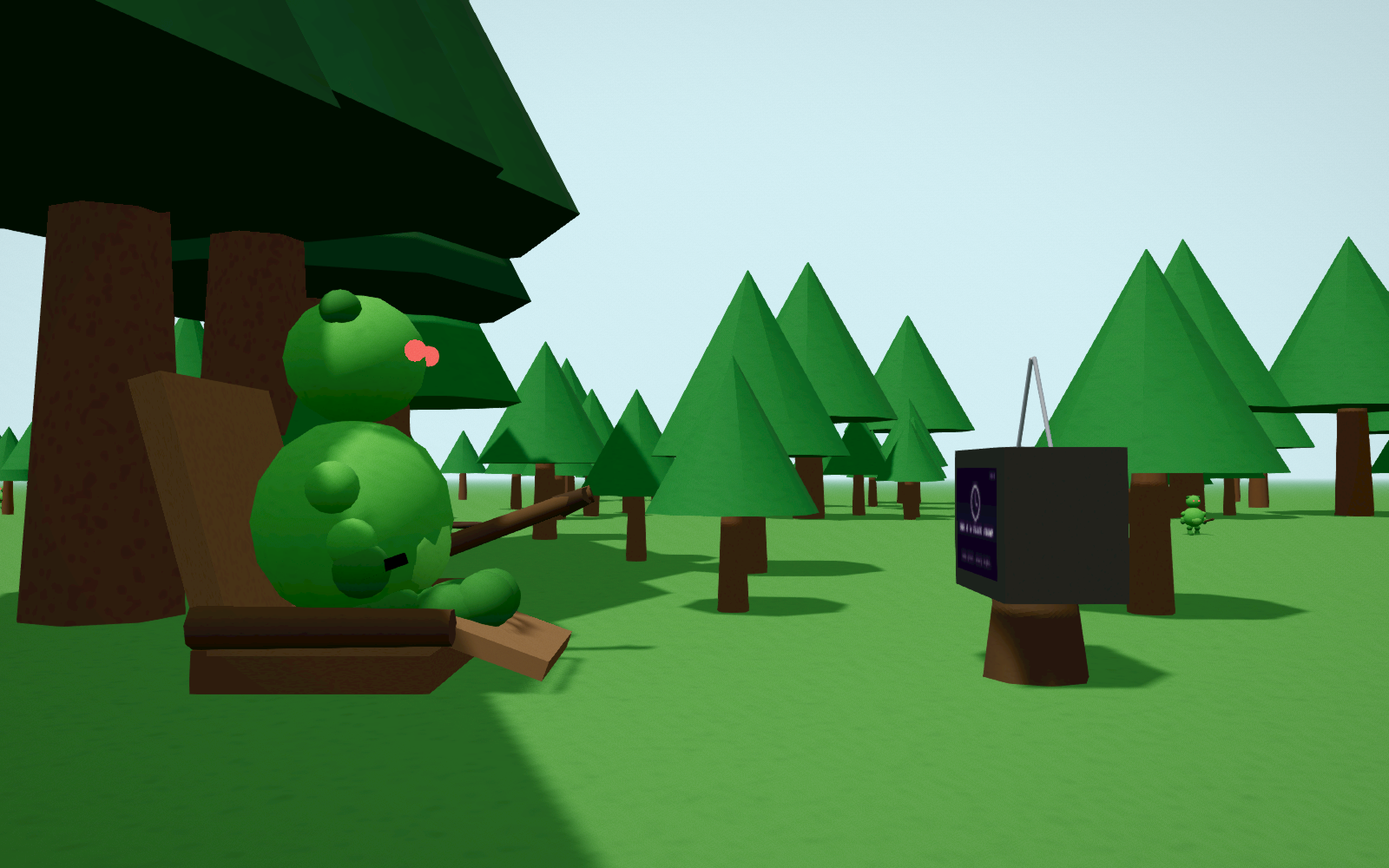
Every save is its own seeded town — shops shuffle, the park moves, the coffee house hangs a different painting. Weather included. Summer not included.
Runs in your browser. If it's slow, check hardware acceleration.
Chrome falls back to rendering on the CPU when graphics acceleration is off, which will drag this to a crawl. Settings → System → "Use graphics acceleration when available", then restart Chrome. The game will tell you on the title screen if it detects this
Dev build. Keyboard + mouse or controller (controller recommended). Saves in your browser. Free.
*Note: This is an unfinished development build. Expect changes, missing content, weird bugs, and general nonsense. I'm putting it here because I want people to play it while I'm making it. Play it and tell me what you break / what makes you laugh / what you want to see.
Mini Help Section:
Audio quiet? The game has a volume slider in the pause menu (ESC → SOUND), but if everything in your browser is quiet, it's usually Windows rather than the game:
- Volume Mixer — right-click the speaker icon → Open volume mixer. Your browser has its own slider there, separate from master, and it remembers being turned down.
- On a voice call? Windows ducks other audio during calls: Control Panel → Sound → Communications → "Do nothing". Discord does it separately too: Settings → Voice & Video → Attenuation → 0%.
Development log
- patch 17 - creek park1 day ago
- patch 16 - health potions (ish)2 days ago
- patch 15 - finally, I like the hair3 days ago
- Patch 14 - Halloween and NPC conversations3 days ago
- patch 13 - visiting others (test)4 days ago
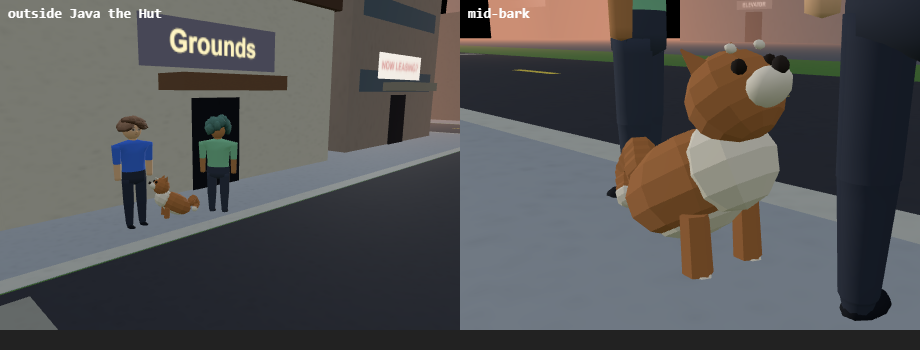
- patch 12 - TIME!!! and you can pet the dog5 days ago
- patch 11 - look what I can do...6 days ago
- patch 10 - there is a dog! (and more)7 days ago